
7.1 Advanced VMware Virtual Machine Configuration
The creation of Kali Linux virtual machines within VMware Workstation Player environments demonstrates the platform’s sophisticated approach to virtual machine management and deployment, offering enhanced customization options and performance optimization features that distinguish it from alternative virtualization solutions. The virtual machine creation wizard within VMware provides comprehensive configuration options that enable security professionals to establish precisely tailored testing environments that accommodate specific operational requirements, resource constraints, and performance objectives essential for effective penetration testing activities.
The initial configuration screen presents users with multiple deployment pathways that provide flexibility for accommodating diverse installation scenarios and operational preferences. The option to utilize previously created virtual disks enables the recycling of existing virtual machine components while maintaining compatibility with established testing configurations and tool installations. Alternatively, the installer disk image selection pathway provides immediate access to ISO-based installation procedures that ensure fresh, standardized deployments of Kali Linux systems with default configurations and complete tool collections.
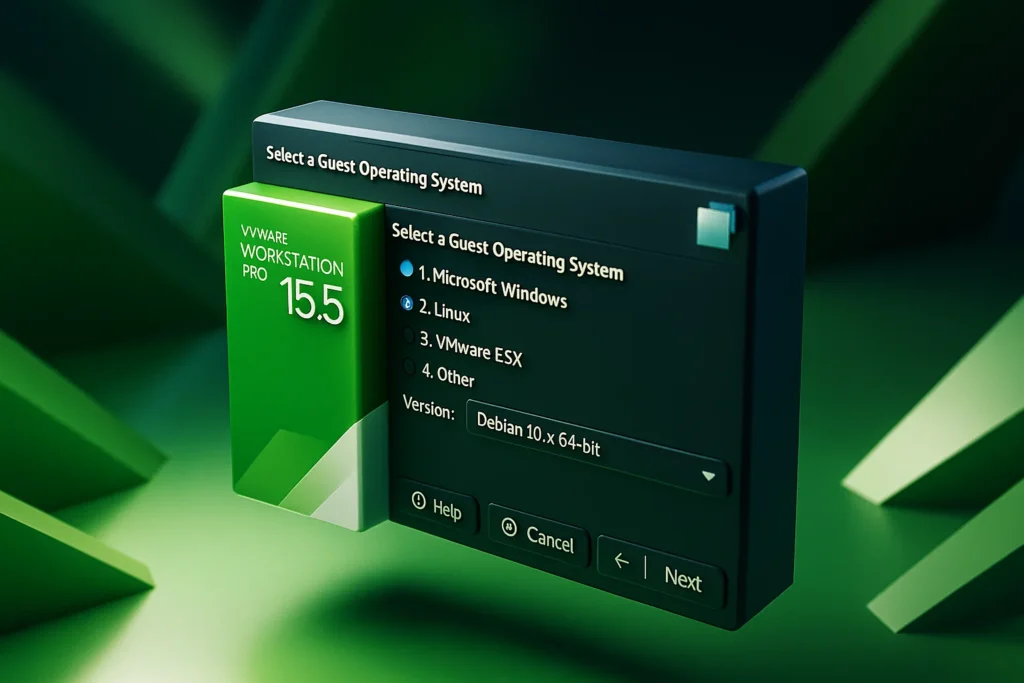
The operating system detection and version selection process within VMware demonstrates the platform’s intelligent recognition capabilities, which automatically identify appropriate configuration parameters based on the specified installation media characteristics. The selection of Ubuntu 64-bit as the version designation reflects VMware’s categorization system for Linux distributions, ensuring optimal compatibility settings and driver configurations that maximize performance and stability within the virtualized environment.
The virtual machine naming and storage location configuration represents a critical decision point that impacts long-term virtual machine management efficiency and organizational clarity. The establishment of centralized storage directories, such as dedicated VMS folders that consolidate all virtualization assets, provides numerous operational advantages including simplified backup procedures, enhanced collaboration capabilities, and streamlined system migration processes that may become necessary as testing requirements evolve or hardware platforms change.
The storage location customization functionality within VMware enables users to override default directory structures that typically reside within user profile directories, allowing for the establishment of organizational standards that support multiple user environments, shared testing resources, and enterprise-grade virtual machine management protocols. The creation of project-specific subdirectories, such as dedicated Kali folders within the primary VMS directory structure, facilitates logical organization while maintaining clear boundaries between different testing initiatives and security assessment projects.
7.2 Virtual Disk Management and Storage Optimization
The virtual disk configuration phase of VMware virtual machine creation requires careful consideration of storage requirements, performance characteristics, and management preferences that will impact both short-term operational efficiency and long-term maintenance requirements. The recommendation to allocate 20GB of virtual disk space provides adequate storage for the complete Kali Linux installation including the extensive collection of pre-installed security tools while reserving sufficient space for additional software installations, assessment data storage, and temporary files generated during penetration testing activities.
The option to split virtual disks into multiple files represents a strategic decision that impacts virtual machine portability, backup efficiency, and storage management flexibility. The multi-file approach facilitates easier virtual machine transfers between different host systems, enables more granular backup strategies that can target specific virtual disk segments, and provides enhanced compatibility with storage systems that impose file size limitations or exhibit performance characteristics that favor smaller individual files over monolithic virtual disk images.
The virtual machine creation summary interface provides comprehensive oversight of all configured parameters, enabling users to verify settings accuracy before committing to the virtual machine establishment process. This review phase represents a critical checkpoint where configuration inconsistencies can be identified and corrected, preventing potential deployment issues that could impact subsequent installation procedures or operational performance characteristics.
7.3 Comprehensive Kali Linux Installation Process
The initiation of Kali Linux installation within VMware virtual machines follows established Linux installation conventions while leveraging the enhanced capabilities and integration features provided by the VMware virtualization platform. The graphical installation interface provides intuitive navigation through the comprehensive configuration process that establishes fundamental system parameters, user accounts, and regional settings that will govern subsequent system operations and security tool functionality.
The language selection process establishes the primary interface language that will be utilized throughout the Kali Linux installation and subsequent operational activities, with English typically selected for international deployments and specialized security testing scenarios where consistency with documentation and community resources represents a priority consideration. The language selection impacts various system components including user interface elements, system messages, documentation access, and integration with security tools that may have specific language dependencies or regional customization requirements.
The geographic location configuration determines timezone settings, regional preferences, and network time synchronization parameters that affect various system functions including log file timestamps, certificate validation procedures, and time-sensitive security operations that require precise chronological coordination. Accurate location configuration becomes particularly important in enterprise environments where multiple systems must maintain synchronized time references for correlation of security events and forensic analysis activities.
The keyboard layout selection ensures optimal input device compatibility and prevents character mapping issues that could complicate command-line operations essential to penetration testing workflows. The selection of appropriate keyboard layouts becomes crucial when utilizing systems with international keyboard configurations or when conducting assessments that require specific character sets or input methods not typically available through standard English keyboard arrangements.
The hostname configuration establishes the network identity that will be utilized for system identification within virtual network environments and during network-based security assessments. The selection of meaningful hostnames facilitates system identification within complex virtual environments while supporting network reconnaissance activities and target system enumeration procedures that rely on hostname resolution and network service discovery protocols.
Domain name specification becomes relevant in environments where integration with existing directory services, enterprise network infrastructures, or specialized authentication systems requires adherence to established naming conventions and network administration protocols. The proper configuration of domain parameters ensures seamless integration with existing network resources while maintaining compatibility with organizational security policies and access control mechanisms.
7.4 User Account Configuration and Security Parameters
The user account creation process within Kali Linux installations requires careful consideration of security requirements, operational convenience, and access control policies that will govern system administration activities and penetration testing procedures. The traditional approach of utilizing root privileges for Kali Linux operations provides unrestricted access to system resources and security tools while eliminating permission-related complications that could impede security assessment activities requiring administrative privileges.
The password selection process demands adherence to strong authentication practices that balance security requirements with operational efficiency considerations essential for frequent system access during intensive penetration testing activities. The selection of robust passwords that incorporate appropriate complexity while remaining memorable for regular use represents a fundamental security consideration that impacts overall system security posture and resistance to unauthorized access attempts.
The timezone configuration ensures accurate system time references that support proper log file generation, certificate validation procedures, and time-sensitive security operations requiring precise chronological coordination across multiple systems and assessment phases. Proper timezone settings become particularly critical when conducting assessments that span multiple geographic regions or require correlation with external time-sensitive events and security incidents.
7.5 Disk Partitioning and System Installation Procedures
The disk partitioning phase typically utilizes automated partitioning schemes optimized for single-user security testing environments, eliminating the complexity of manual partition management while ensuring appropriate allocation of disk space for system files, security tools, swap space, and user data storage requirements. The automated partitioning approach reduces installation complexity while implementing established best practices for Linux system deployment and performance optimization.
The package installation phase represents the most resource-intensive component of the Kali Linux deployment process, during which the extensive collection of penetration testing tools, supporting libraries, and specialized software components are installed and configured within the virtual machine environment. This installation phase duration varies significantly based on virtual machine resource allocations, host system performance characteristics, and network connectivity speeds that may impact package download and installation procedures.
The boot loader installation process, utilizing the Grand Unified Bootloader (GRUB) system, ensures reliable system startup procedures and provides options for advanced boot configurations that may become necessary for specialized testing scenarios, system recovery procedures, or multi-boot configurations that accommodate multiple operating systems within single virtual machine environments. The GRUB configuration includes integration with VMware-specific drivers and optimization features that ensure optimal performance within the virtualized environment.
7.6 Alternative Deployment Strategies and Pre-configured Images
Beyond traditional ISO-based installation procedures, Kali Linux provides comprehensive pre-built virtual machine images specifically optimized for immediate deployment within VMware environments, eliminating installation procedures while providing instant access to fully configured penetration testing platforms with complete tool collections and optimized system settings. These pre-configured images represent significant time savings for users requiring rapid deployment of multiple testing environments or standardized configurations across diverse assessment projects.
The availability of both 32-bit and 64-bit pre-built images accommodates diverse hardware architectures and performance requirements while ensuring compatibility with various host system configurations and resource constraints. The architectural diversity enables deployment across legacy systems with limited 64-bit support while providing enhanced performance capabilities for modern host platforms that can accommodate expanded memory addressing and advanced processor features.
The acquisition of pre-built VMware images follows similar download procedures as ISO files while providing compressed archive formats that optimize download efficiency and storage requirements. These compressed images typically utilize advanced compression algorithms that significantly reduce file sizes while maintaining complete virtual machine functionality and tool collections, enabling faster download completion and reduced storage consumption on host systems with limited available disk space.
Chapter 7: VMware Kali Linux Installation
Advanced Virtual Machine Configuration and Pre-built Image Deployment
Advanced VMware Virtual Machine Configuration
Sophisticated Virtual Machine Management
VMware Workstation Player demonstrates sophisticated approach to virtual machine deployment with enhanced customization options and performance optimization features
Virtual machine creation wizard provides extensive configuration options for precisely tailored testing environments
Advanced performance features accommodate specific operational requirements and resource constraints for effective penetration testing
Automatic OS detection identifies appropriate configuration parameters based on installation media characteristics
Centralized storage directories provide operational advantages for backup procedures and system migration processes
Deployment Configuration Options
Strategic Configuration Decisions
Virtual machine naming and storage location configuration represents critical decision points that impact long-term virtual machine management efficiency, organizational clarity, and operational advantages for enterprise-grade deployment protocols.
Virtual Disk Management and Storage Optimization
- Enhanced portability across systems
- Improved backup efficiency
- Storage system compatibility
| Storage Configuration | Recommended Setting | Performance Impact | Management Benefits |
|---|---|---|---|
| Disk Size | 20GB minimum allocation | Adequate for tool collections | Space for additional software |
| File Structure | Split into multiple files | Enhanced transfer efficiency | Granular backup strategies |
| Format Type | VMware VMDK format | Optimized for VMware platform | Native tool integration |
| Directory Structure | Centralized VMS folders | Faster access patterns | Simplified organization |
Comprehensive Kali Linux Installation Process
System Configuration Parameters
Installation follows established Linux conventions while leveraging enhanced VMware capabilities and integration features
User Account Configuration and Security Parameters
Security Account Management
User account creation requiring careful consideration of security requirements and operational convenience for penetration testing procedures
Security Implementation Strategy
User account configuration demands adherence to strong authentication practices while maintaining operational efficiency essential for intensive penetration testing activities requiring administrative privileges and frequent system access.
Disk Partitioning and System Installation Procedures
Automated Partitioning Strategy
Automated partitioning schemes optimized for single-user security testing environments with established best practices
Alternative Deployment Strategies and Pre-built Images
Pre-configured Virtual Machine Images
Pre-built images specifically optimized for VMware environments eliminating installation procedures while providing instant access to configured platforms
Pre-built Image Advantages
Comprehensive advantages of utilizing pre-configured virtual machine images for professional penetration testing environments
| Deployment Method | Time Investment | Customization Level | Best Use Case |
|---|---|---|---|
| ISO Installation | 2-4 hours complete setup | Full customization available | Specialized requirements |
| Pre-built Image | 15-30 minutes deployment | Standard configurations | Rapid deployment needs |
| Hybrid Approach | Variable based on modifications | Moderate customization | Balanced requirements |
Strategic Deployment Selection
Choice between traditional ISO installation and pre-built images depends on specific project requirements, time constraints, customization needs, and organizational standards for penetration testing environment deployment.